Core Web Vitals in Plain Words: LCP, INP and CLS
3 min read
A website can look great, but if it is slow it loses visitors and drops in Google’s rankings. Google measures the visitor’s experience with three metrics called Core Web Vitals. Below I explain them without technical jargon, together with their most common causes and fixes.
Why speed matters
Visitors don’t wait. If a page takes too long to appear, they go back to the results and pick the next one. That visitor may well have been a customer.
Google uses Core Web Vitals as one of its ranking signals. It isn’t the only one, but when two pages have similar content, the faster one has the edge.
The three metrics
LCP: how fast the main content appears
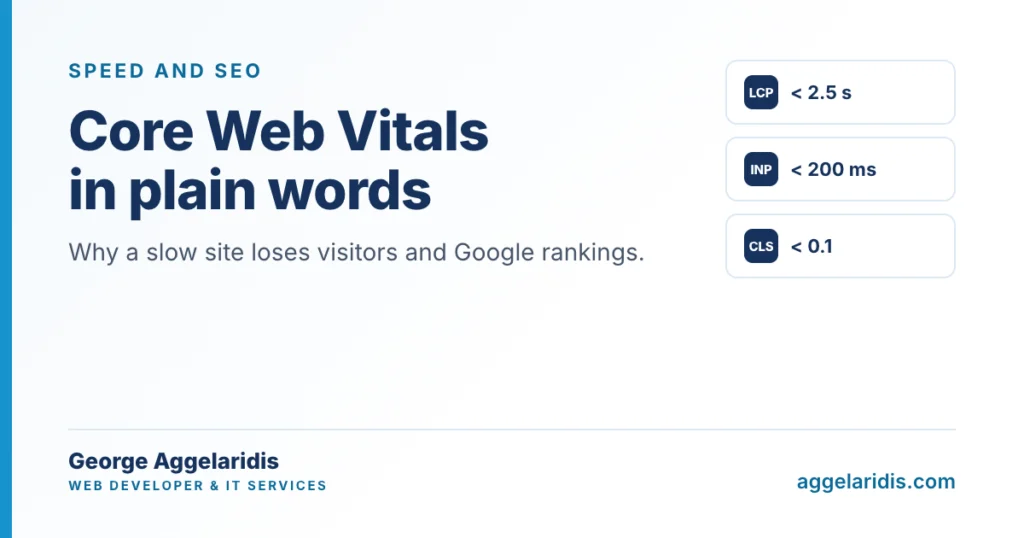
It measures how long the largest element of the page takes to appear, usually the main photo or the headline. Good: up to 2.5 seconds. Needs improvement: up to 4. Poor: over 4.
INP: how fast the page responds
It measures how quickly the page reacts when a visitor clicks, opens a menu or types in a form. Good: up to 200 milliseconds. Needs improvement: up to 500. Poor: over 500.
CLS: how stable the layout is
It measures how much the elements of the page move while it loads. We’ve all been there: you go to tap a button and at the last moment the whole page jumps down because a photo or a banner has loaded. Good: up to 0.1. Needs improvement: up to 0.25. Poor: over 0.25.
Google judges each metric on 75% of visits. In other words, the page has to be fast for most of your visitors, not just on your own computer.
How to check your own website
- PageSpeed Insights: enter the page address and see the metrics for mobile and desktop.
- Google Search Console: the Core Web Vitals report shows which pages need improvement.
Look at mobile first. Results there are usually worse, and that is where most of your visitors come from.
The most common causes
- Photos uploaded straight from a phone or camera, far larger than they need to be.
- Lots of plugins and third-party scripts (chat, maps, pixels, sliders) loading on every page.
- Cheap or overloaded hosting that is slow to respond.
- Images, videos and banners with no reserved space, which shift the layout.
- Fonts that load slowly and change the text after it appears.
What can be fixed without a new website
Most fixes can be made on your existing site:
- Compressing images and converting them to WebP or AVIF, at the right size for each spot.
- Page-level and server caching.
- Removing plugins and scripts that aren’t needed, or that load on pages that don’t use them.
- Fixed dimensions for images, videos and banners.
- Upgrading the hosting, when the server is the problem.
Want us to look at it together?
If PageSpeed Insights shows red, send me the link and we’ll look at what can be improved. If your site needs regular care, have a look at website maintenance.